


Languages
Silverstripe CMS has the flexibility to present multilingual content in different ways, depending on what’s appropriate for your region and users.
Your site in different languages
The Fluent module lets you present your content in different languages. Users can select their language from available options, and when there is no content in their chosen language, content will be presented in the default language.
Content authors can also select a language in the CMS to see pages with content in that language.
Find out more about Fluent on Github(opens in new tab)
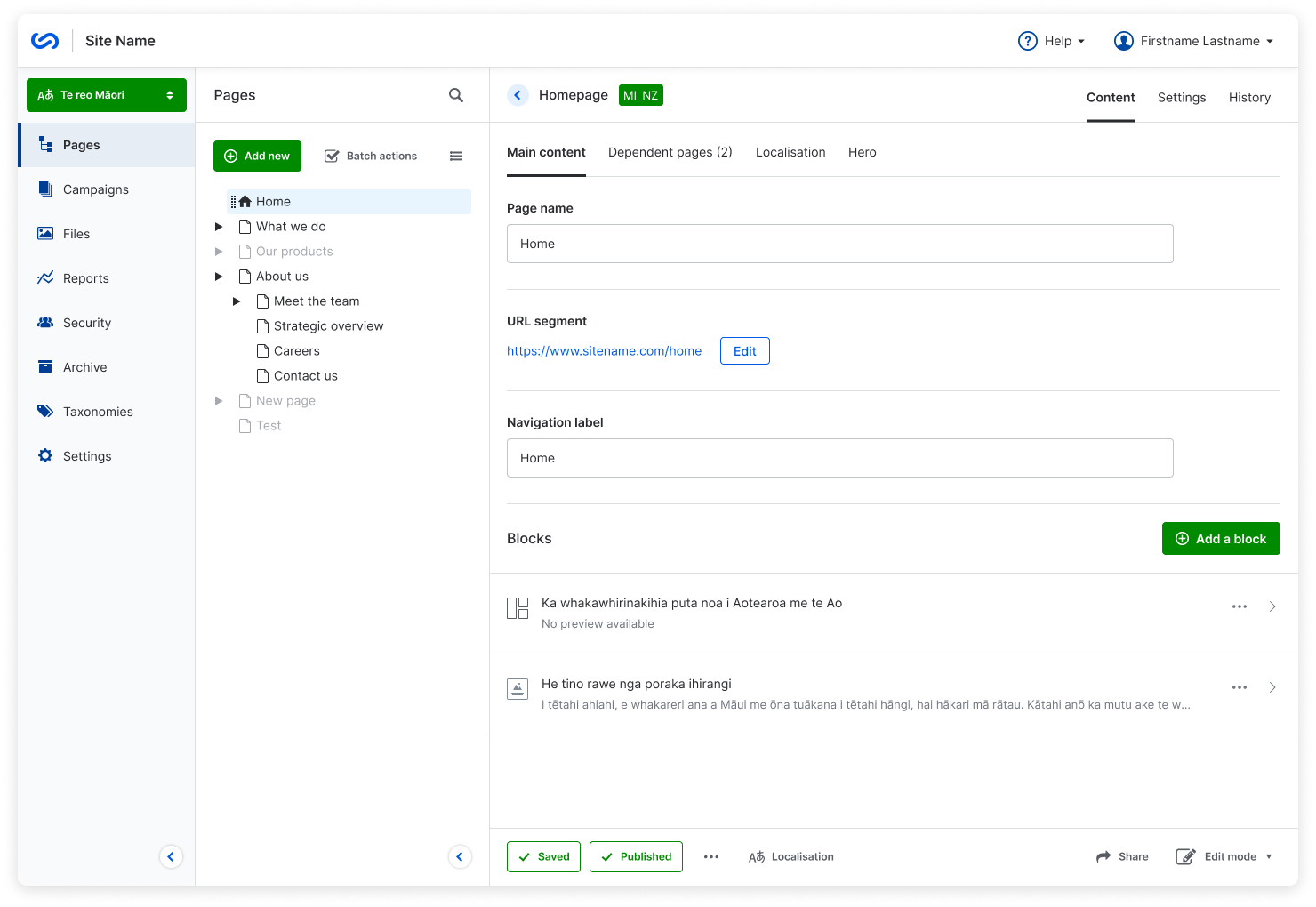
Multilingual content on a page
Want to show content in more than one language without translating everything? Create content blocks in different languages and set language attributes within the content block so that search engines and assistive devices know what they’re reading.
R to L content
If your content is in a language that reads from right to left, Silverstripe CMS has formatting options for that. Select your language in the content block, and if that language is right-to-left, the formatting will change accordingly.
Example of R to L content المحتوى من R إلى L
إذا كانت كتلة المحتوى الخاصة بك مكتوبة بلغة تُقرأ من اليمين إلى اليسار، فإن Silverstripe CMS لديه خيارات تنسيق لذلك. حدد لغتك في كتلة المحتوى، وإذا كانت تلك اللغة من اليمين إلى اليسار، فسيتم تغيير تنسيق النص.
Bilingual headings Taitara te reo Māori
Or, maybe you just want your headings in two languages. Silverstripe CMS lets you create different styling options for headings in two languages that don’t compromise readability.
