


Content blocks
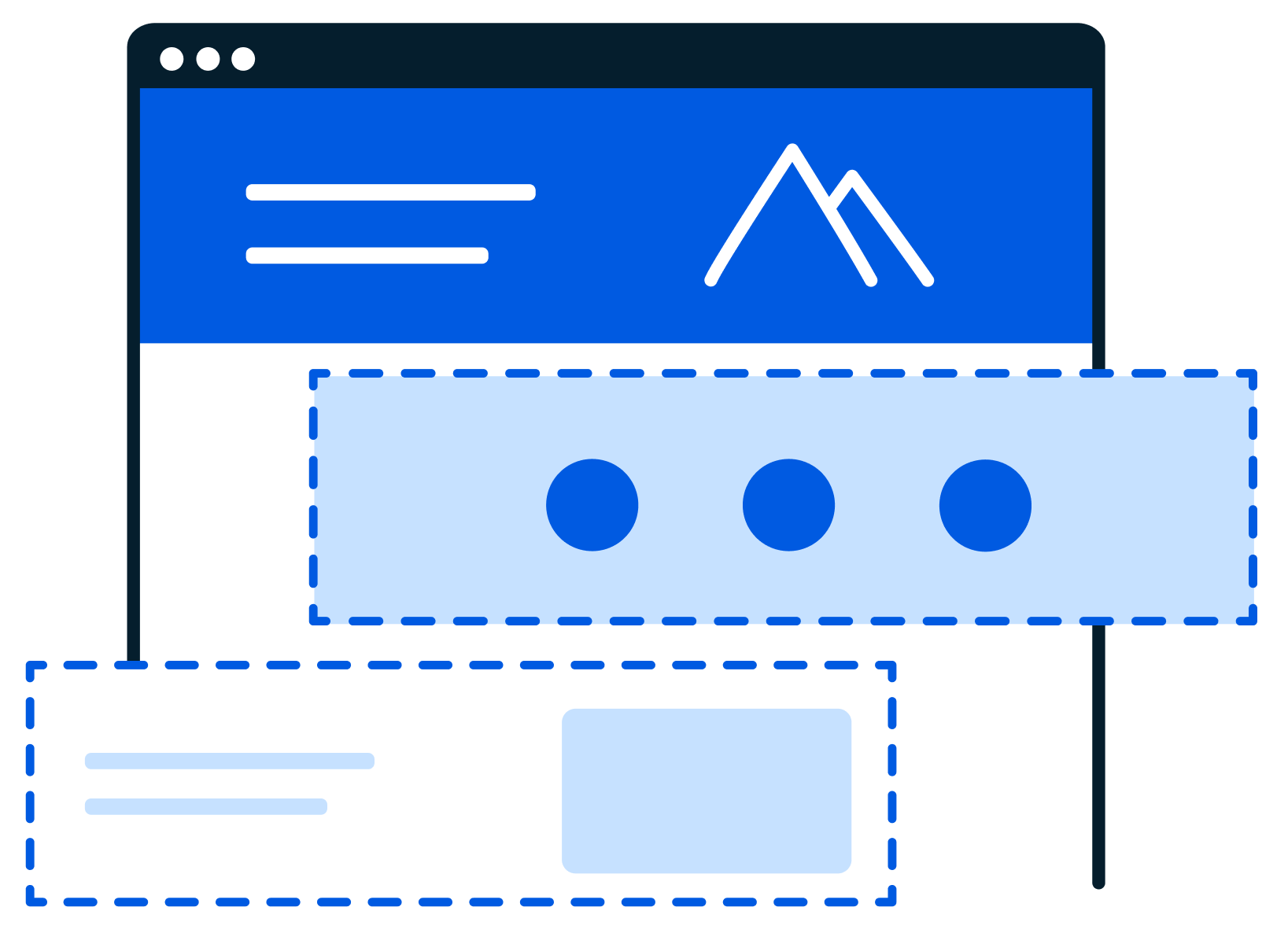
Content blocks are reusable components that content authors can use to customise content easily, across their sites.
NAVIGATION
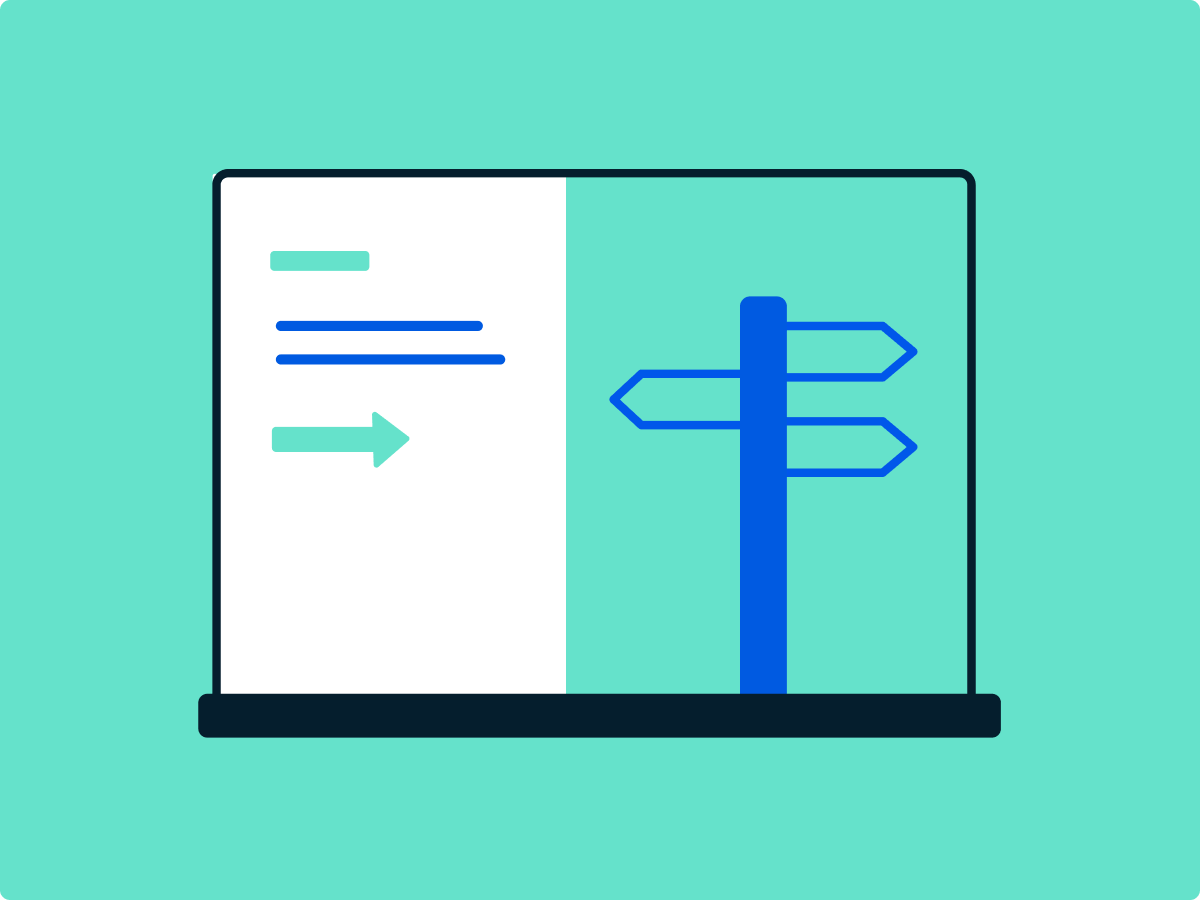
Help your users on their way with wayfinding blocks
Wayfinding blocks give your users different ways to find their way around your site, based on your content and their needs. Catch their eye with calls to action, present related link tiles side by side, or put the focus on an image.

MEDIA
Show off your images and video with media blocks
Media blocks let you show your images and media in the way that’s best for your content. Embed videos or upload them, include a transcript, and choose between a few width options. Images also have options for width, padding, and columns.
Messaging and banners blocks for all your content elements
Whether it’s lists, icons, quotes, or logos, messaging and banner blocks let you display a variety of elements in a variety of ways. And, the WYSIWYG editing experience makes it easy for your team to create them.

Interactivity
A customised experience with interactive content blocks
Create a quiz, ask your users to have their say, or let them click to reveal content. Interactive content blocks let you create a customised content experience for your users by revealing content based on their selection or input.

Data graphics
Bring your data along with data visualisation blocks
Got data? You don’t need to build complicated charts yourself. Silverstripe CMS can integrate with third-party tools to visualise your data without custom coding.